
10 Bewildering Photos That Confuse Your Eye
Some images feel wrong even when they are real. Your brain fills gaps, then locks onto the first story that fits. If you save Puzzling Pictures or pause on strange street shots, this article is for you. You will learn what details to inspect so the scene stops looking impossible.
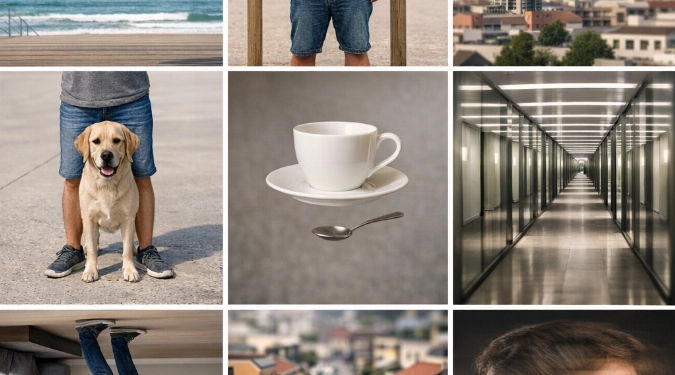
You will learn ten repeatable tricks that make Photographs look impossible. You will spot the exact cue that misleads depth, scale, or motion. This guide also shows how to recreate each effect with a phone and one light. You will finish able to explain the illusion in plain words, fast.
How To Read A Confusing Photo Fast
Do three checks before you assume editing. First, trace the horizon and every strong line. Second, find the main light by looking at nose, chin, and shadow edges. Third, look for scale anchors like hands, door handles, or chairs. Most puzzles collapse during those checks.
10 Bewildering Photos
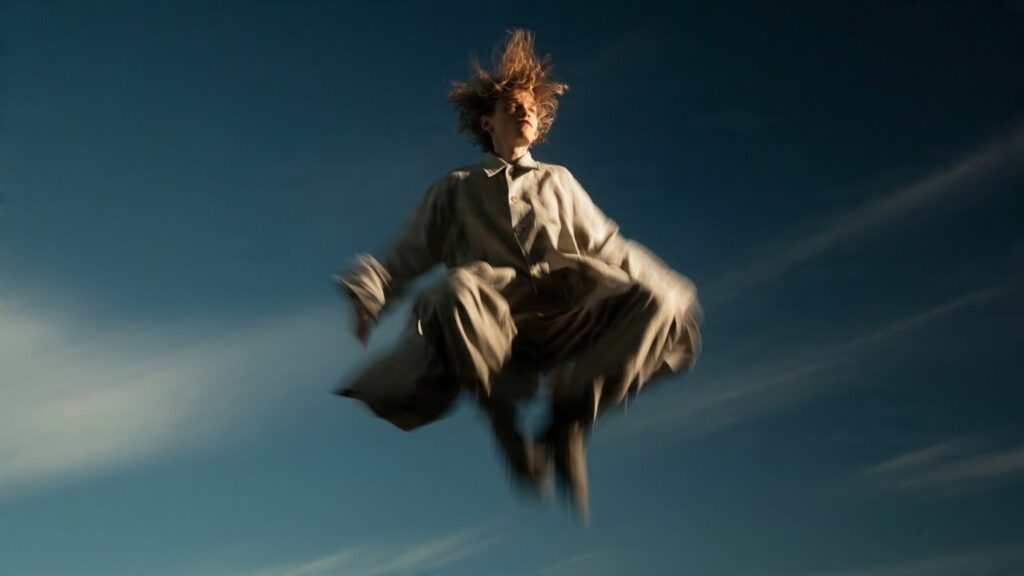
1) The “Levitating” Person
It is usually a jump shot with perfect timing. The giveaway is hair lift and shoe blur. A faster shutter freezes it, so blur hints at motion. To recreate it, use burst mode and shoot slightly low.
2) The Headless Tourist
This is forced perspective between two planes. A sign, window edge, or statue blocks the head. The clue is mismatched focus between foreground blocker and the body. Move the blocker closer to the lens for a cleaner cut.

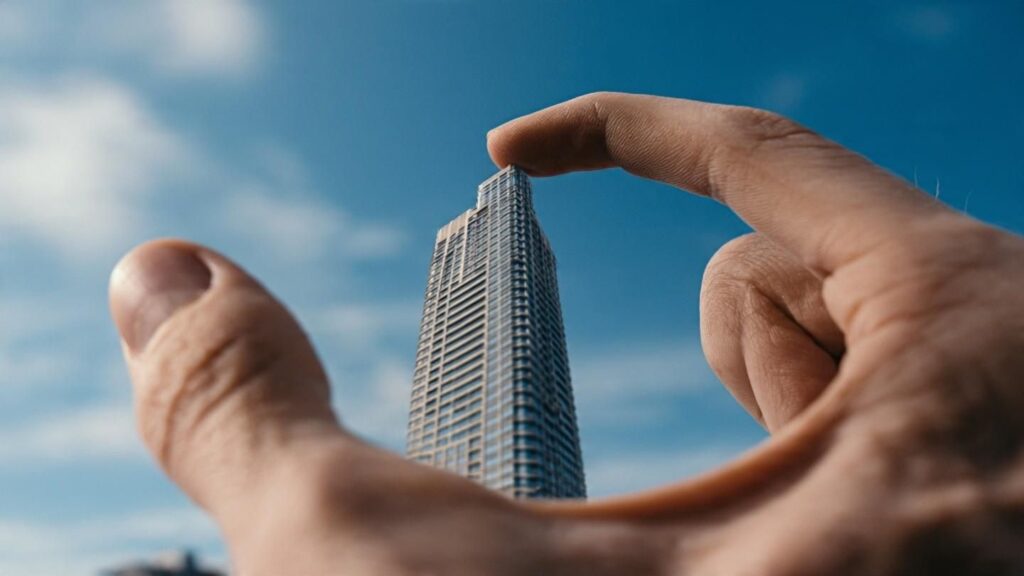
3) The Giant Hand Holding A Building
Depth compression makes the hand and building seem adjacent. The key is distance, not a wide lens. Put the hand close to the camera and the building far away. Keep both sharp by tapping to focus near the hand.
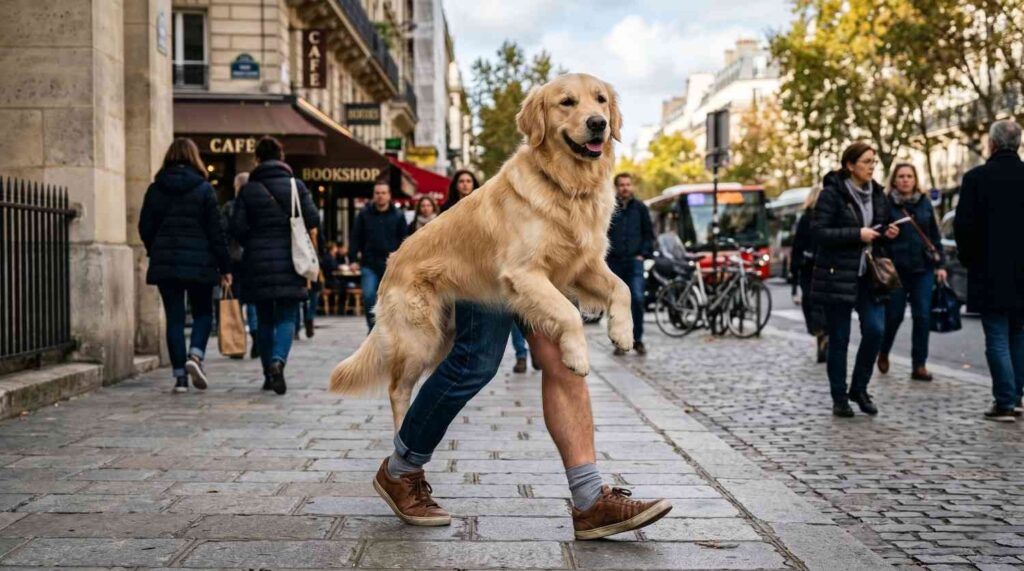
4) The “Dog With Human Legs”
Two subjects overlap at the exact seam. A person stands behind a small dog at the same height. The giveaway is shadow direction on the “legs” versus the dog’s body. Ask both to match the same light angle.
5) The Floating Cup On A Table
Clear supports vanish when they match reflections. Acrylic, fishing line, or a glass edge can disappear. The cue is a hard highlight that stops midair. Try black fabric behind the line to make it truly vanish.

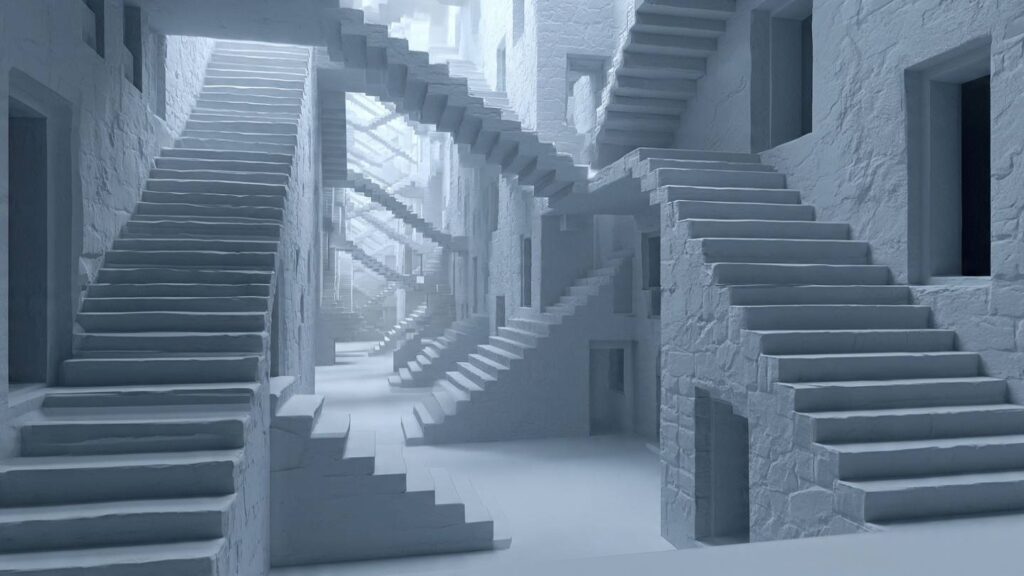
6) The Endless Staircase Hallway
It is often a reflection chain. Mirrors face each other and repeat frames. The clue is repeated dust patterns and identical corner geometry. To test it, imagine a camera position that could see “around” the last corner.
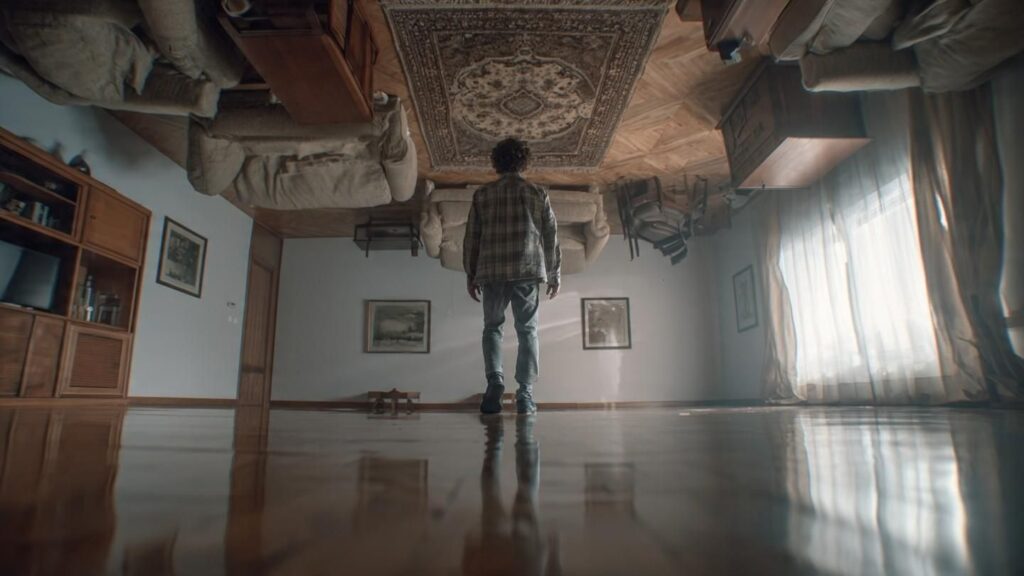
7) The Person Walking On The Ceiling
Rotation plus strong set design sells it. A sideways room and a camera tilt do the work. The cue is gravity clues like hanging cords, hair, or loose fabric. Remove those, and the illusion becomes clean.
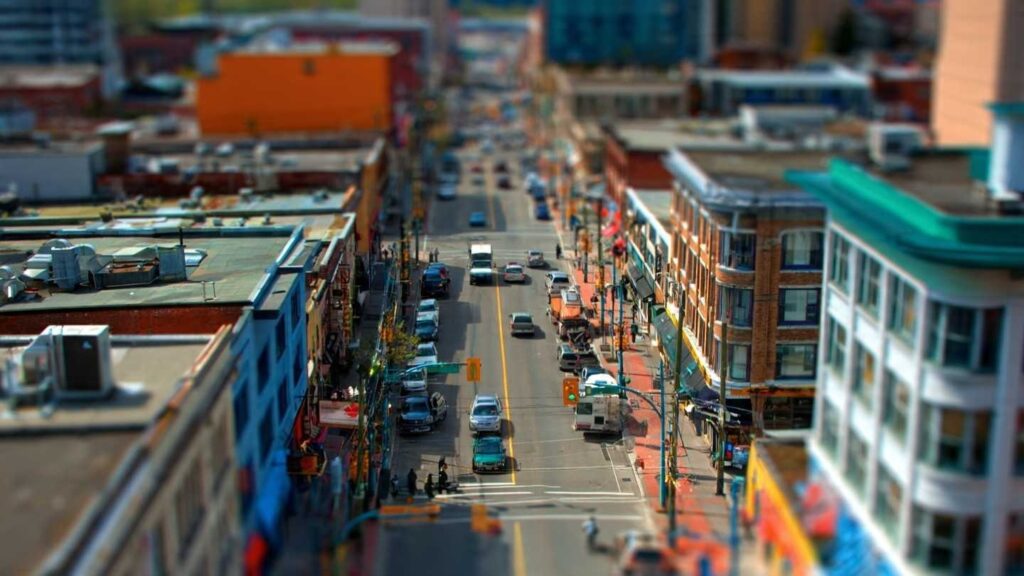
8) The “Miniature City” Street Scene
A tilt-shift look can come from distance and blur. The clue is selective focus that runs like a ribbon. Phone portrait mode can mimic it, but it often mangles poles. For a natural look, shoot from a high viewpoint.
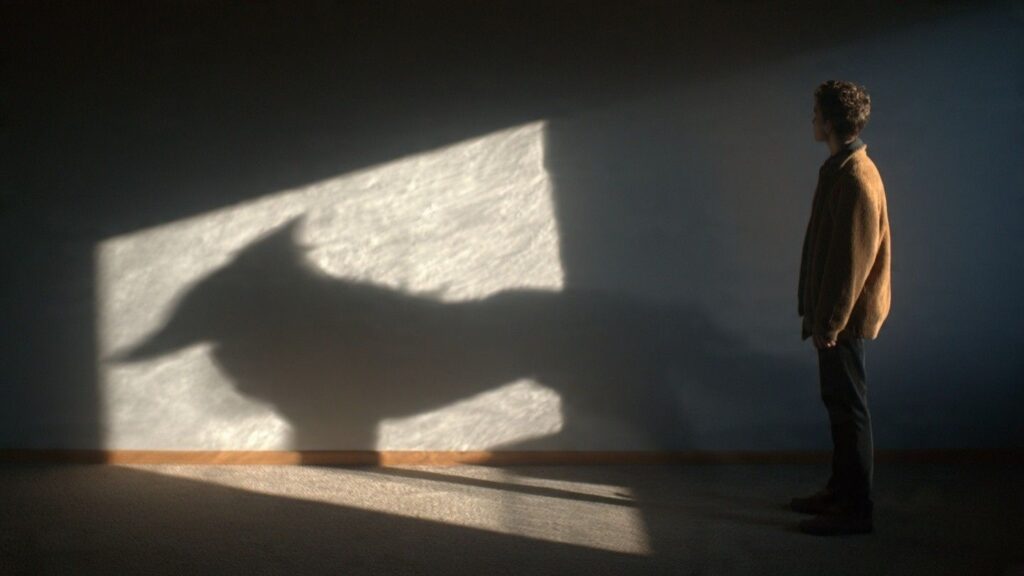
9) The Shadow That Does Not Match
Multiple light sources create competing shadows. Street lamps and the sun can cross at dusk. The cue is different shadow hardness. Sun shadows have crisp edges, while lamp shadows look softer. Walk around the subject to find the second light.
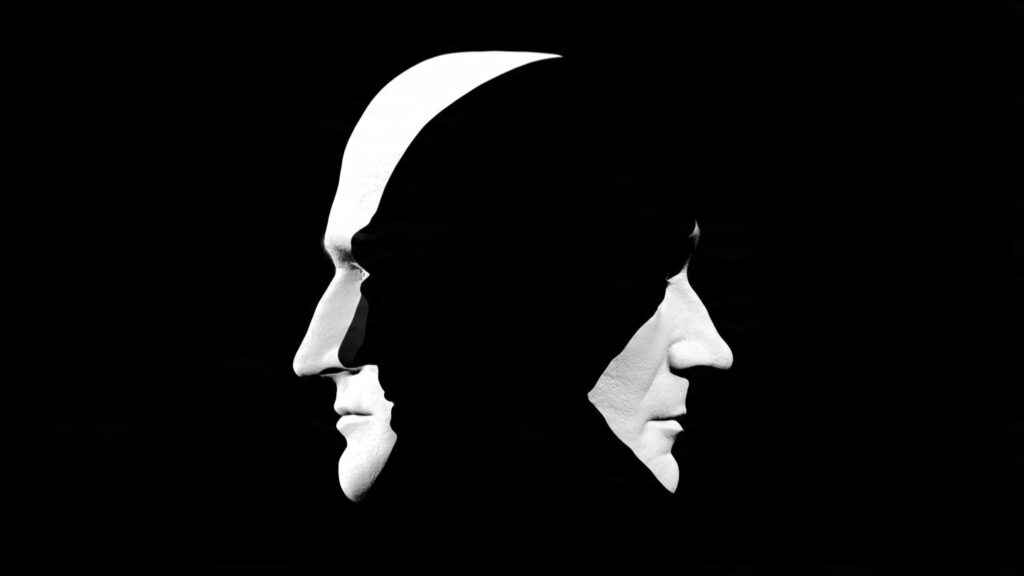
10) The “Two Faces In One” Portrait
It is a timing and overlap trick in Person Photography. A head turn during a slow shutter creates a double read. The clue is duplicated catchlights in the eyes. To recreate it, use Live Photo or a 1/10s shutter and steady hands.
How To Recreate These Effects Without Heavy Editing
- Use burst mode for jumps and midair poses.
- Lock exposure, then reframe for forced perspective.
- Shoot at golden hour to control harsh shadow puzzles.
- Carry one small LED like the Aputure MC for clean shadow direction.
- Use a tripod like a Manfrotto Compact or a GorillaPod for slow shutter tricks.
- For mirror puzzles, use a lens hood to reduce flare.
What To Check Before You Call It Fake
Zoom into edges where subjects overlap. Look for consistent grain and noise across the frame. Check if reflections obey angle rules. Then check if the light color matches across skin and background. If those align, it is likely practical, not composited.
References
- Adobe: Forced perspective and depth cues (photography learning resources)
- Nikon Learn & Explore: Shutter speed and motion blur basics
- Canon: Understanding exposure and metering
- Fujifilm: Focus and depth of field explanations
- Apple Support: Live Photo capture behavior
- Samsung Support: Burst shooting and motion capture tips
Disclaimer: The information provided in this article is for educational and informational purposes only. It does not constitute professional advice. Readers should conduct their own research and consult with qualified professionals before making any decisions.